Organize incoming requests
Capture service, location and contact details in a consistent format.
Answer routine WhatsApp enquiries, collect the details that matter and hand conversations to your team with context. Connect the workflow to the tools your business already uses.
Discuss your projectA 15-minute conversation about your workflow, your tools and where to start.Explore the workflow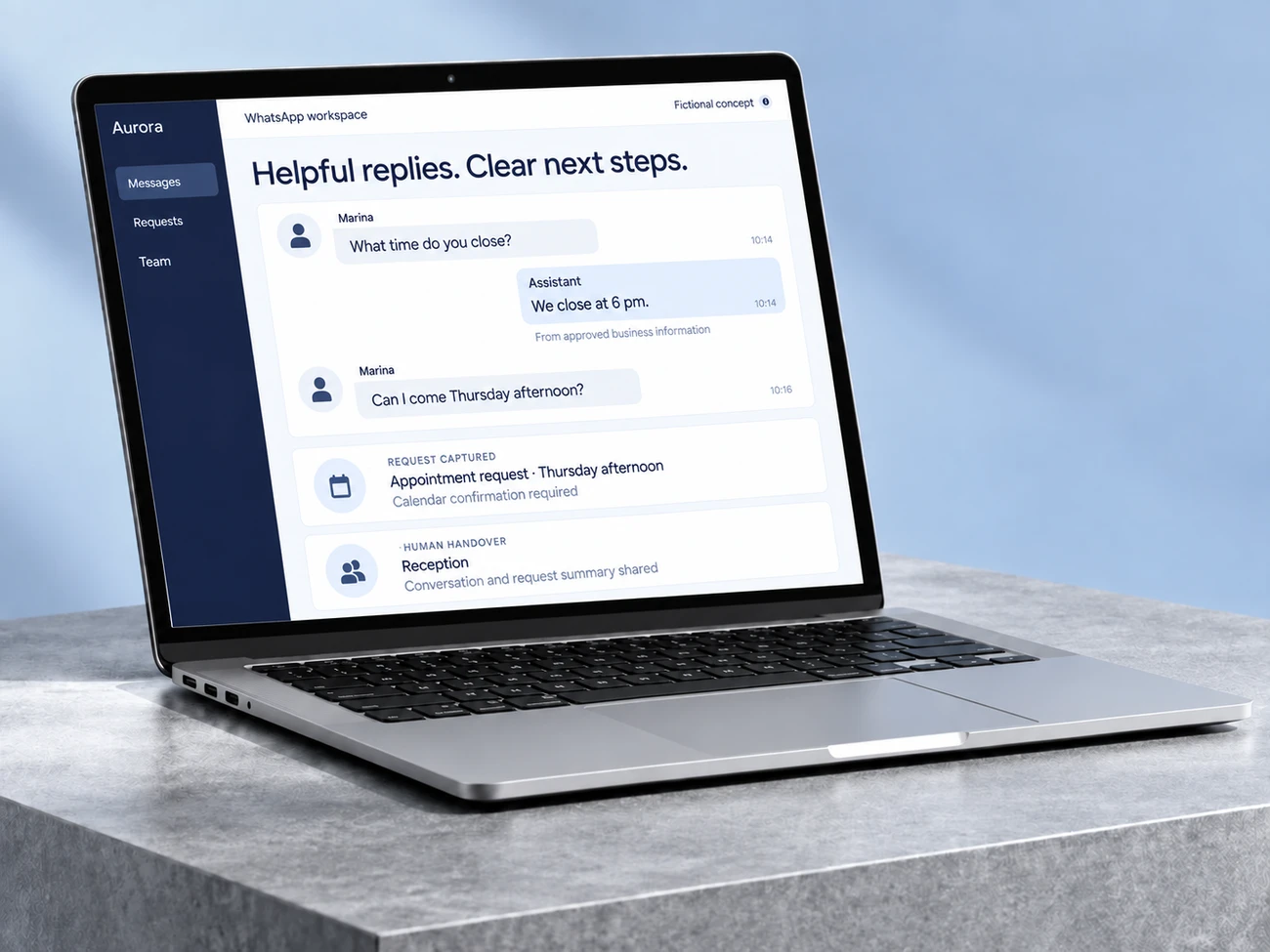
Capture service, location and contact details in a consistent format.
Use the same approved information for recurring questions.
Carry the conversation summary into the next step.
50%
Unifonic reports that SPL reduced call-center waiting times after introducing self-service support through WhatsApp.
The metric describes call-center waits in SPL’s wider support operation, not the response speed of every WhatsApp message.
Unifonic · SPLPublication date not stated · Accessed 2026-09-24A finding from another organization. This is not a Betterlane result or a guarantee for your project.A fictional example to make the workflow tangible. The interface illustrates the process; it is not a live demonstration.
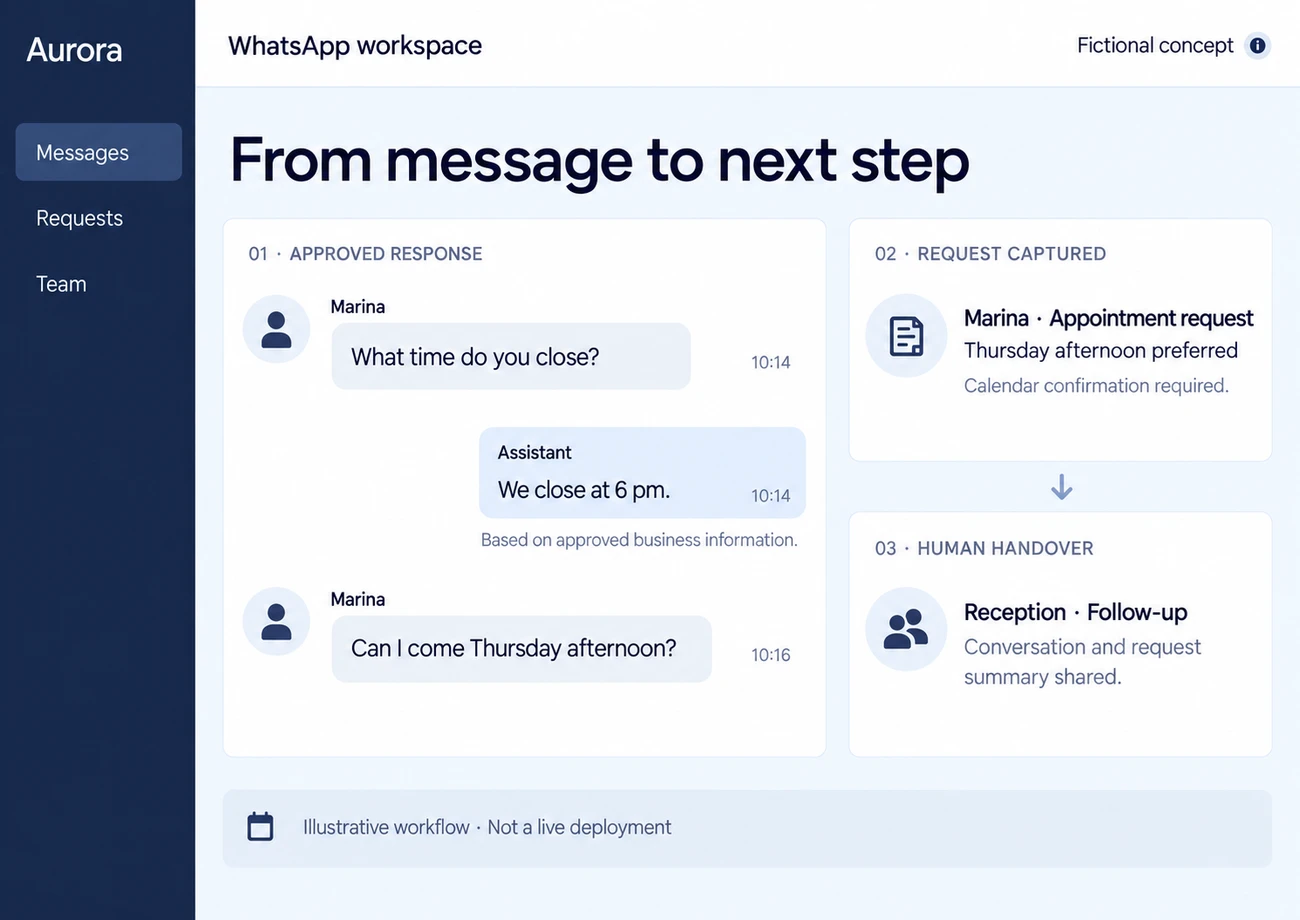
A fictional customer asks about service hours and an appointment.
The assistant answers from approved information and captures the requested time.
An appointment request and conversation summary reach the agreed team destination.
Access, costs and acceptance criteria are agreed before implementation.
Test the supported message types, incomplete information, human handover and channel failures using an authorized test setup. Check that requests are not confirmed as bookings without verified availability.
You create a Meta developer app, add the WhatsApp product, point its webhook at the system that writes the replies, and subscribe the app to the WhatsApp Business Account. Incoming messages then reach your system, and the assistant answers through the Cloud API within the 24-hour customer service window. The business keeps the number, the Meta account and the conversation data.
Let’s understand where work repeats and design a workflow that helps your team.
Bring an example of the task, the tools you use and what you would like to improve.
Let’s discuss your projectWe discuss the result you need and define the next step.
Leave an email or WhatsApp number and I answer you myself. It is optional and it books nothing.