The same data goes into several tools
Move agreed fields between systems with validation and clear handling for failed updates.
Connect records, process documents, prepare recurring reports and help staff find approved information. Start with the part of your operation that repeats most often.
Discuss your projectA 20-minute conversation about your workflow, your tools and where to start.Explore the workflow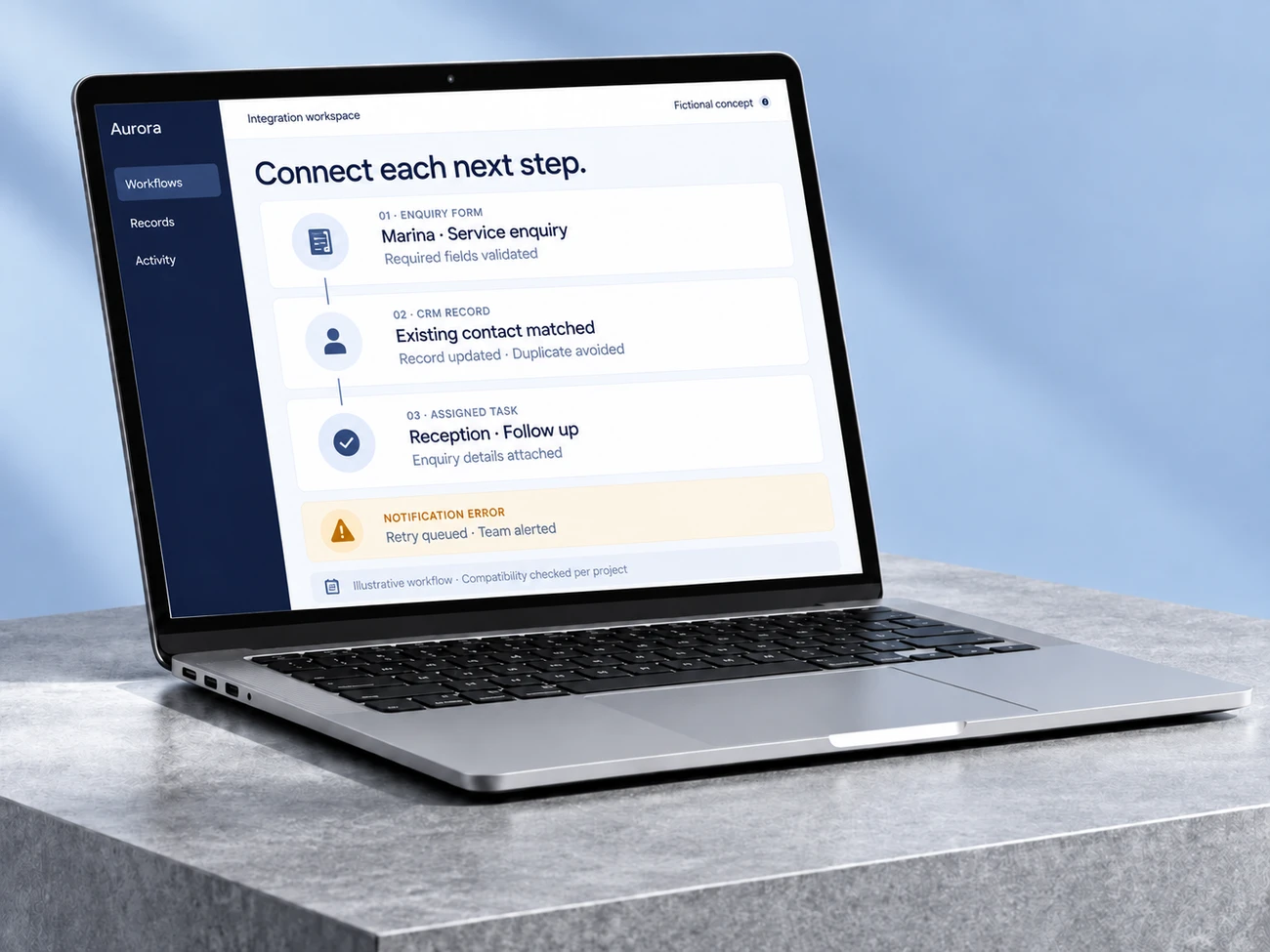
Move agreed fields between systems with validation and clear handling for failed updates.
Extract information for review and assemble recurring summaries from the sources you choose.
Make approved knowledge easier to find, with citations and a clear fallback when the answer is missing.
Connect forms, CRM records and operational tools so approved updates reach the right place. Reduce repeated copying while keeping errors and exceptions visible.
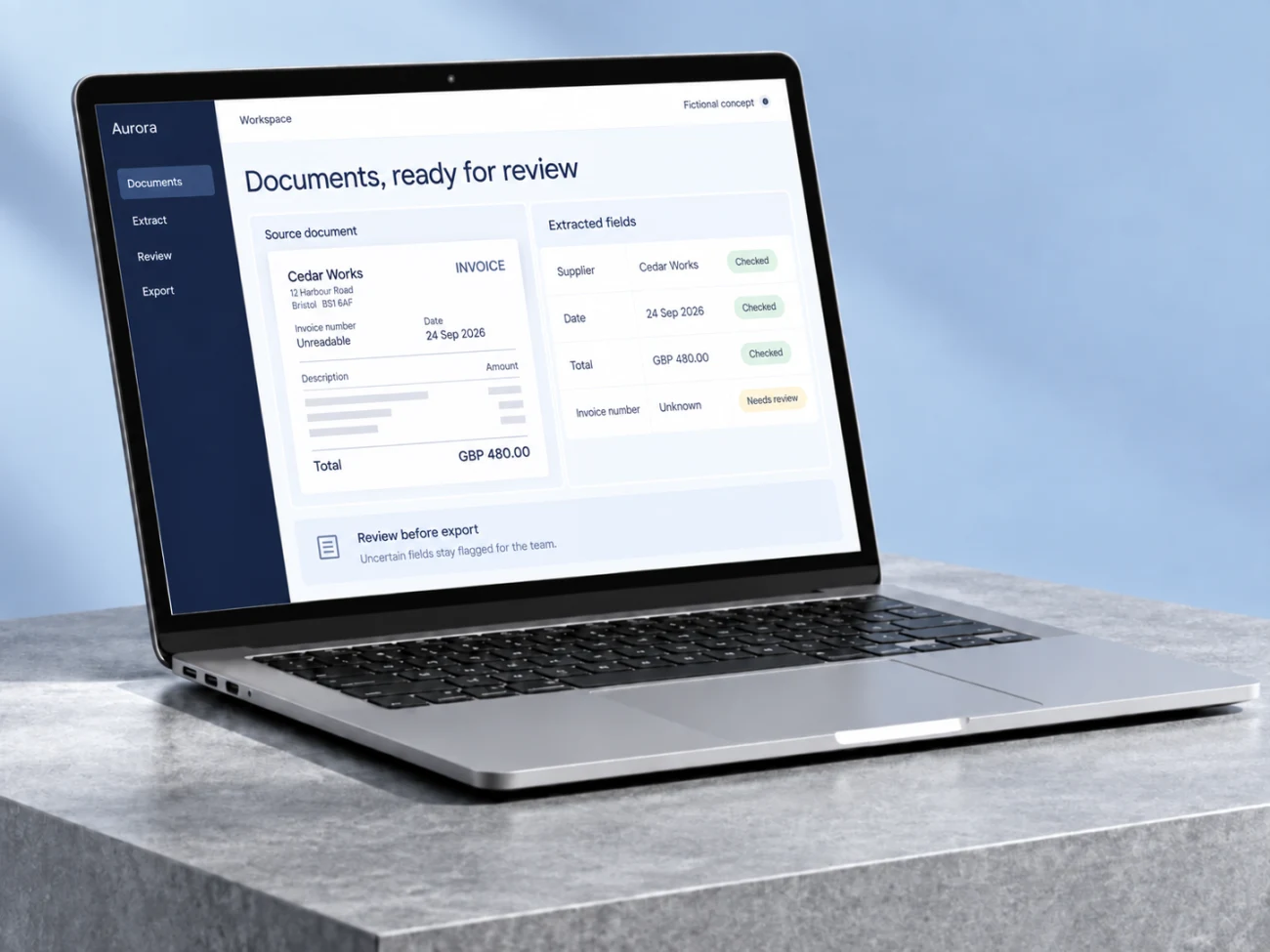
Extract the agreed information from invoices, forms or PDFs, validate the fields and send usable records to your spreadsheet or system. Keep the source and uncertainties attached.
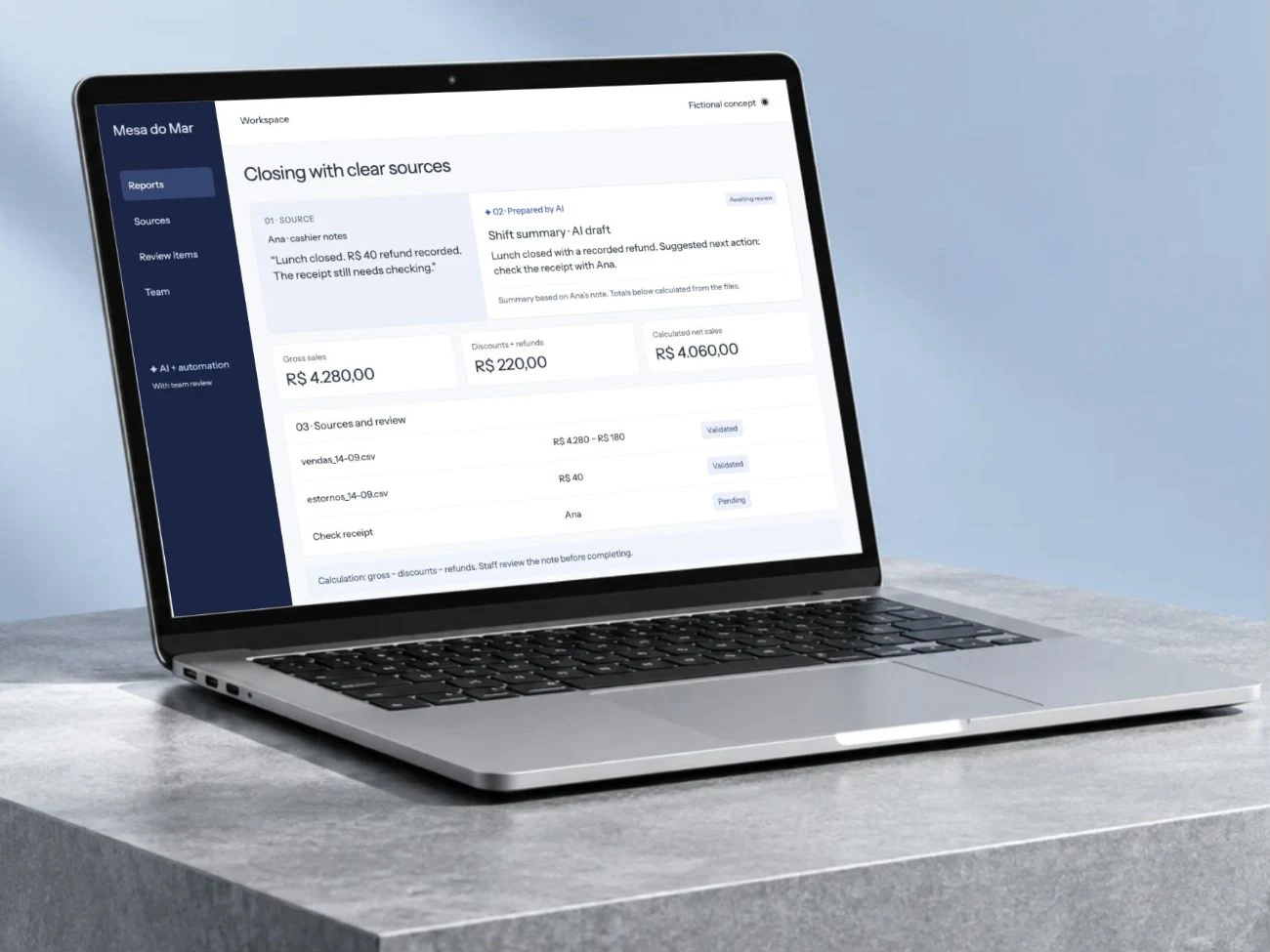
Bring recurring exports and system data into a consistent report. Calculate agreed metrics, identify missing inputs and prepare a source-based summary for the team.
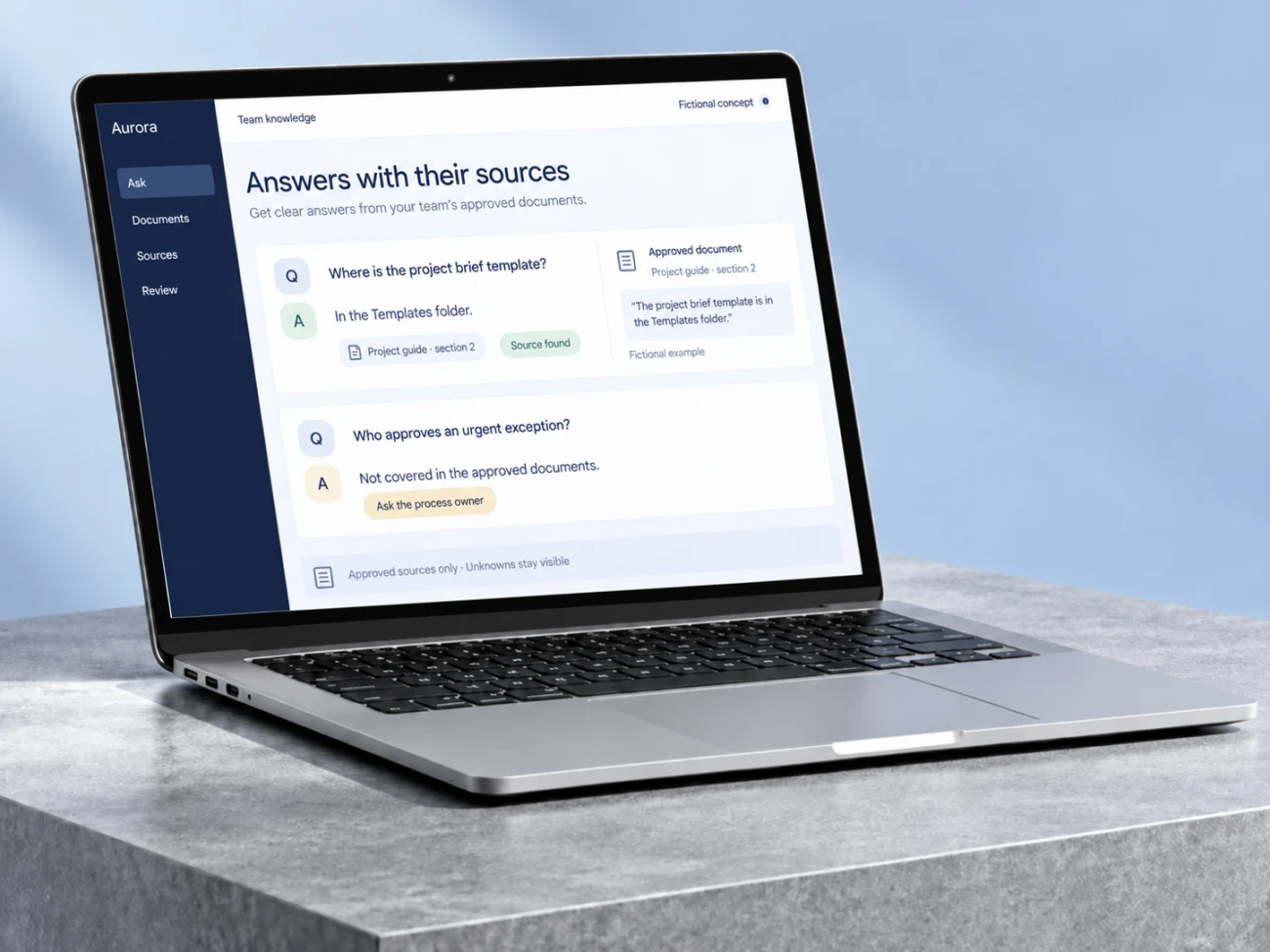
Your prices and how you quote, who covers what, your procedures and approved answers, written down in one place. Your team asks on WhatsApp or a page and gets the answer the way you would give it, with the source; what is not written down comes to you.
Choose integrations for repeated updates, document processing for incoming files or reporting for recurring summaries. Workflow migrations sit within integrations.
Knowledge assistants work from approved documents. An automation audit can help identify a suitable starting point before implementation.
Map inputs, owners, tools and the result your team needs to receive.
Validate the main path, permissions, exceptions and human handover against agreed examples.
Receive the agreed implementation, operating notes and acceptance checks reviewed together.
Let’s understand where work repeats and design a workflow that helps your team.
Bring an example of the task, the tools you use and what you would like to improve.
Let’s discuss your projectWe discuss the result you need and define the next step.
Leave an email or WhatsApp number and I answer you myself. It is optional and it books nothing.