Start with organized tickets
Classify requests and assign a useful queue before staff begin.
Sort incoming tickets, assemble the relevant context and prepare replies for review. Route sensitive requests directly to the right person.
Discuss your projectA 15-minute conversation about your workflow, your tools and where to start.Explore the workflow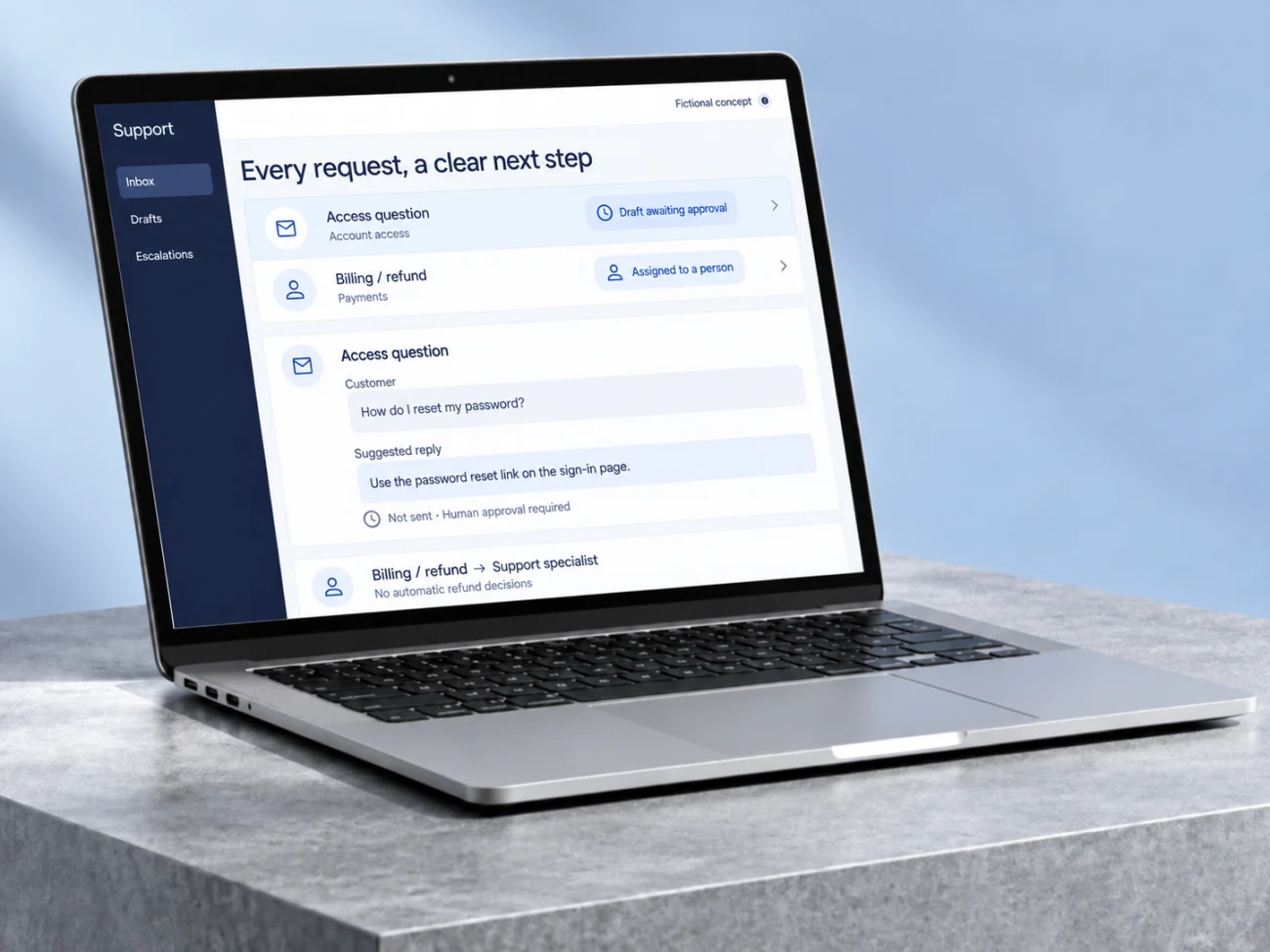
Classify requests and assign a useful queue before staff begin.
Prepare a response the reviewer can check against its sources.
Keep billing, refunds and other agreed sensitive cases on a direct human path.
15%
The published study found an average productivity increase when support agents at one software company used an AI assistant for conversational guidance.
Human agents could edit or ignore suggestions. Gains varied by experience; this does not measure autonomous ticket handling.
Brynjolfsson, Li & Raymond · The Quarterly Journal of Economics4 February 2025 · Accessed 2026-09-24A finding from another organization. This is not a Betterlane result or a guarantee for your project.A fictional example to make the workflow tangible. The interface illustrates the process; it is not a live demonstration.
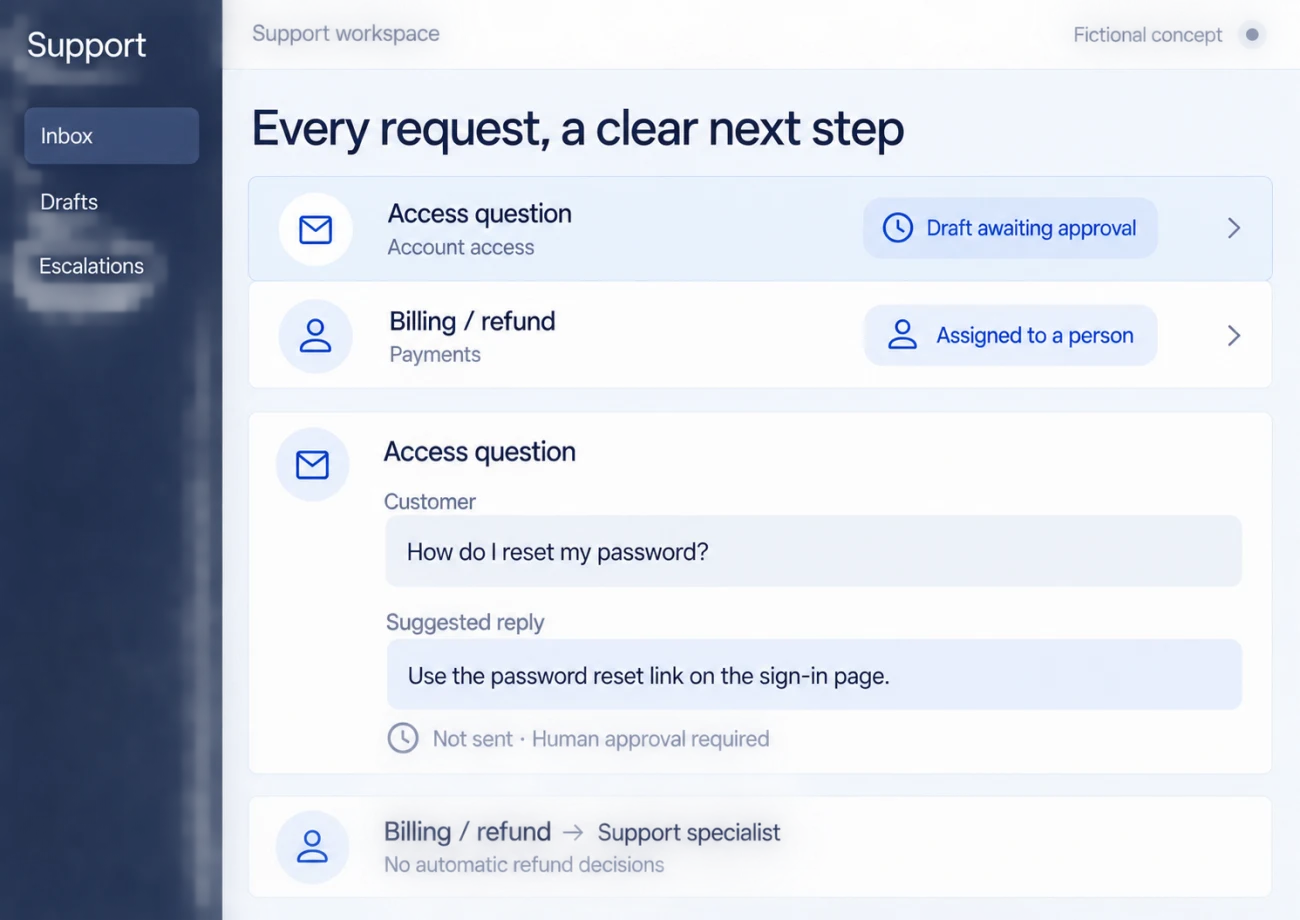
A fictional user needs help accessing an account.
The workflow classifies the request and uses approved help material to draft a reply.
A reviewer edits or approves the draft; sensitive cases bypass drafting under the agreed rules.
Our college-admissions product uses AI to classify support tickets and prepare replies for human approval. Billing, refund and legal cases go directly to a person. This is own-product work, not a paid client case.
Access, costs and acceptance criteria are agreed before implementation.
Use representative tickets to verify classification, source-based drafts, routing and rejection. Confirm that no draft is sent without the agreed approval and sensitive cases take their defined human route.
Let the automation sort each message and draft a reply, and keep a person as the one who presses send. Messages about money, refunds, legal or health matters, and anything the model is unsure about, skip the draft and go straight to a person. If the model returns something malformed or empty, treat it as a failure and route the message to a person; never send it.
Let’s understand where work repeats and design a workflow that helps your team.
Bring an example of the task, the tools you use and what you would like to improve.
Let’s discuss your projectWe discuss the result you need and define the next step.
Leave an email or WhatsApp number and I answer you myself. It is optional and it books nothing.