Enter information once
Map the agreed fields from their source to the system that needs them.
Connect forms, CRM records and operational tools so approved updates reach the right place. Reduce repeated copying while keeping errors and exceptions visible.
Discuss your projectA 15-minute conversation about your workflow, your tools and where to start.Explore the workflow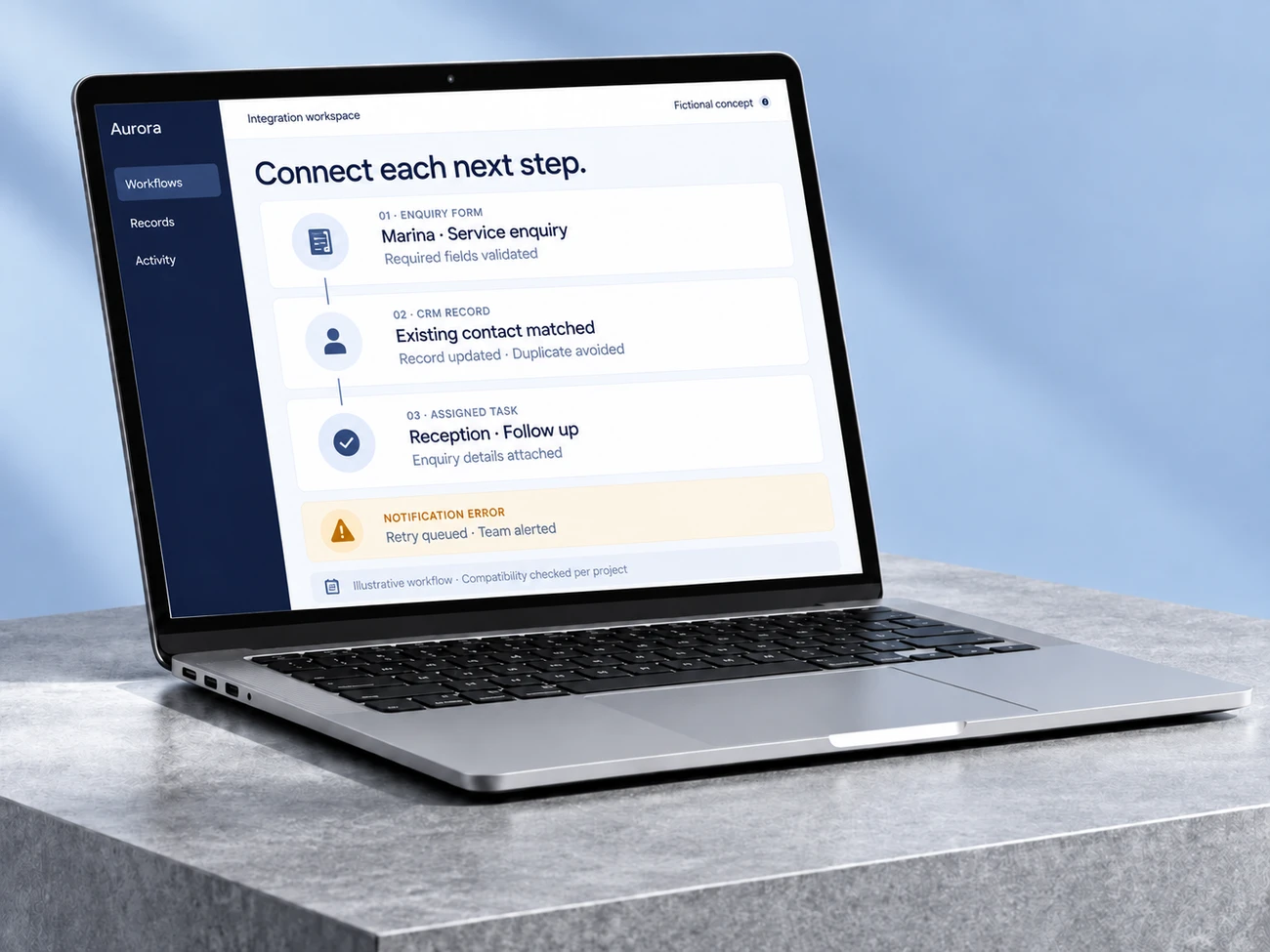
Map the agreed fields from their source to the system that needs them.
Create or update the record and route the corresponding task.
Log incomplete updates and give the team a clear recovery path.
1–2 hours
Zapier describes a GrowthFusion customer connecting meeting events, CRM records, follow-ups and internal notifications into a lead-management workflow.
A reported saving across that combined workflow. The customer is unnamed, and the figure does not isolate CRM synchronization alone.
Zapier · GrowthFusion Consultancy2 June 2025 · Accessed 2026-09-24A finding from another organization. This is not a Betterlane result or a guarantee for your project.A fictional example to make the workflow tangible. The interface illustrates the process; it is not a live demonstration.
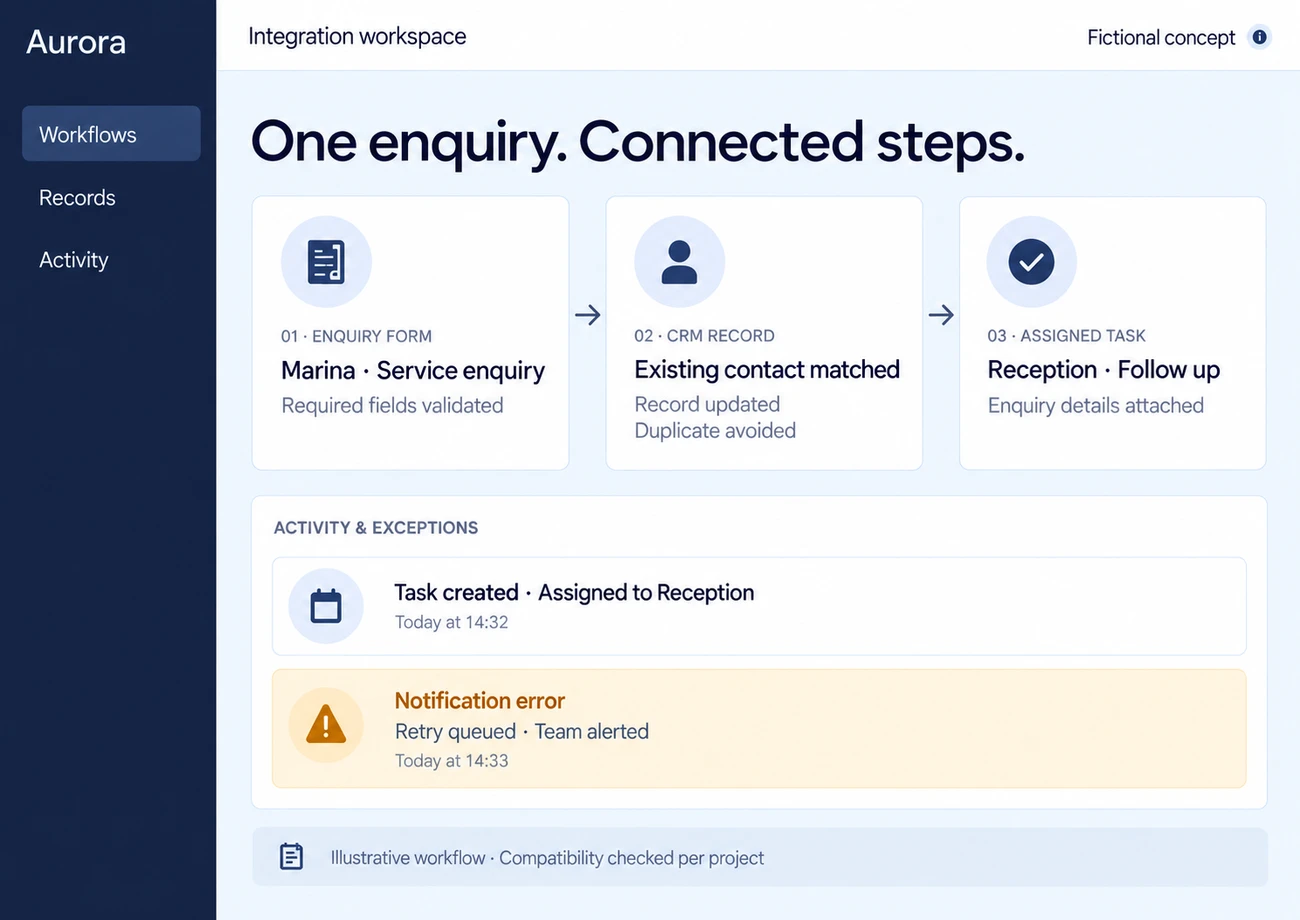
A fictional enquiry includes company details and the service needed.
Validation checks required fields and an agreed identifier prevents duplicates.
The CRM receives the approved update and assigns a follow-up task.
Our Scheduled Automations work connects recurring product operations and notifications. It provides a relevant starting point for discussing triggers, failures and handover; compatibility with your tools is checked for your project.
Access, costs and acceptance criteria are agreed before implementation.
Test valid, missing and duplicate input, timeouts and retries. Reconcile source and destination records; repeated events must not create duplicate actions.
Choose by how the tool counts usage, not only by the entry price. n8n charges per execution (one full run of a workflow, however many steps), Zapier per task (each successful action), and Make per credit (most module actions use one). Short, simple automations cost little on any of them; long workflows that run often are usually cheapest where a whole run counts once.
Let’s understand where work repeats and design a workflow that helps your team.
Bring an example of the task, the tools you use and what you would like to improve.
Let’s discuss your projectWe discuss the result you need and define the next step.
Leave an email or WhatsApp number and I answer you myself. It is optional and it books nothing.