Questions arrive everywhere
Calls, messages and tickets can leave staff repeating the same answers and rebuilding context.
Answer routine questions, capture what customers need and hand over with context across calls, website chat, WhatsApp and your support inbox.
Discuss your projectA 20-minute conversation about your workflow, your tools and where to start.Explore the workflow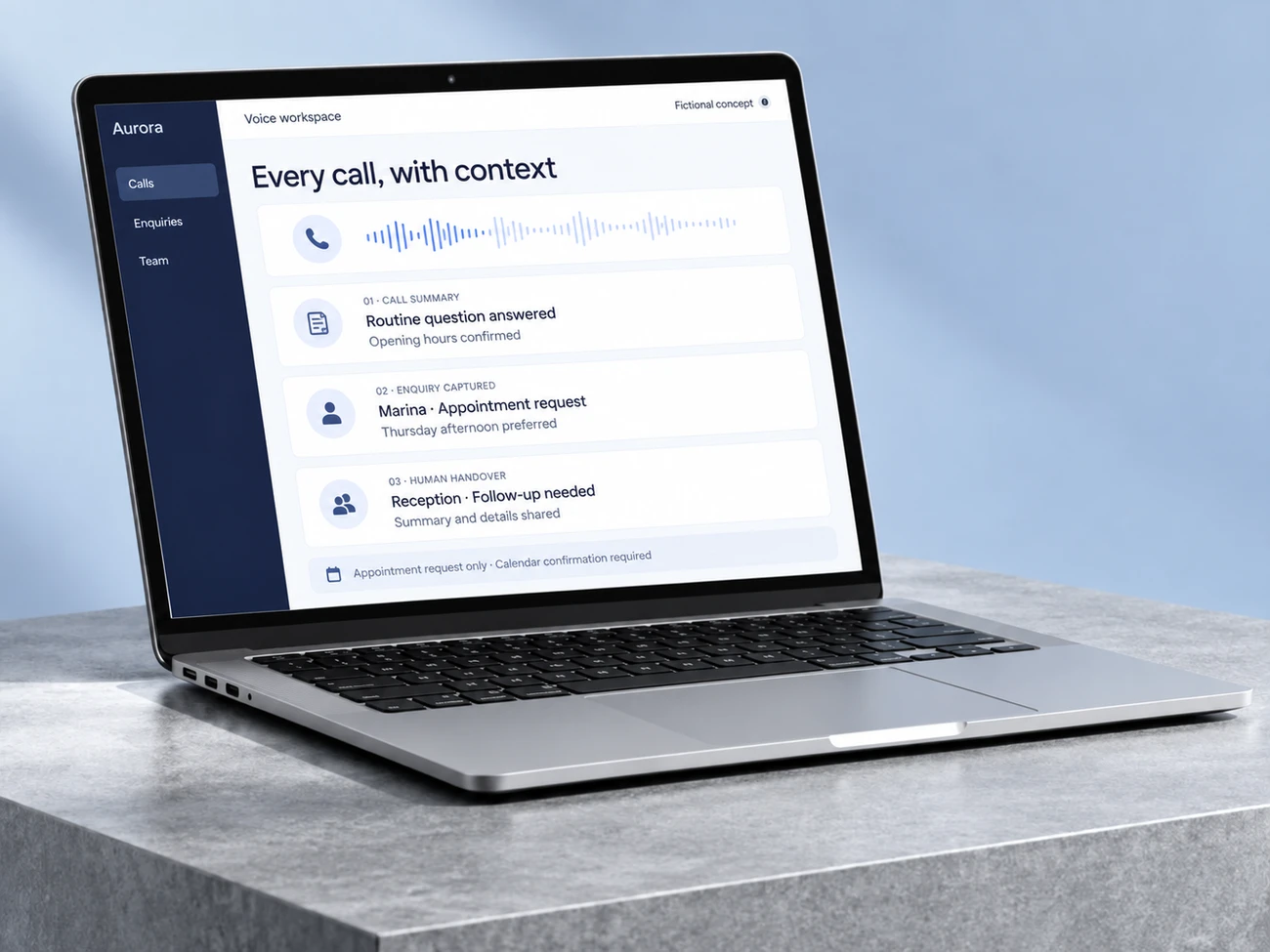
Calls, messages and tickets can leave staff repeating the same answers and rebuilding context.
Capture the request and the information your team needs before assigning the next step.
Keep exceptions, sensitive decisions and unresolved questions with the right member of staff.
A phone assistant that answers routine questions, captures enquiries and passes the conversation to your team when a person is needed.
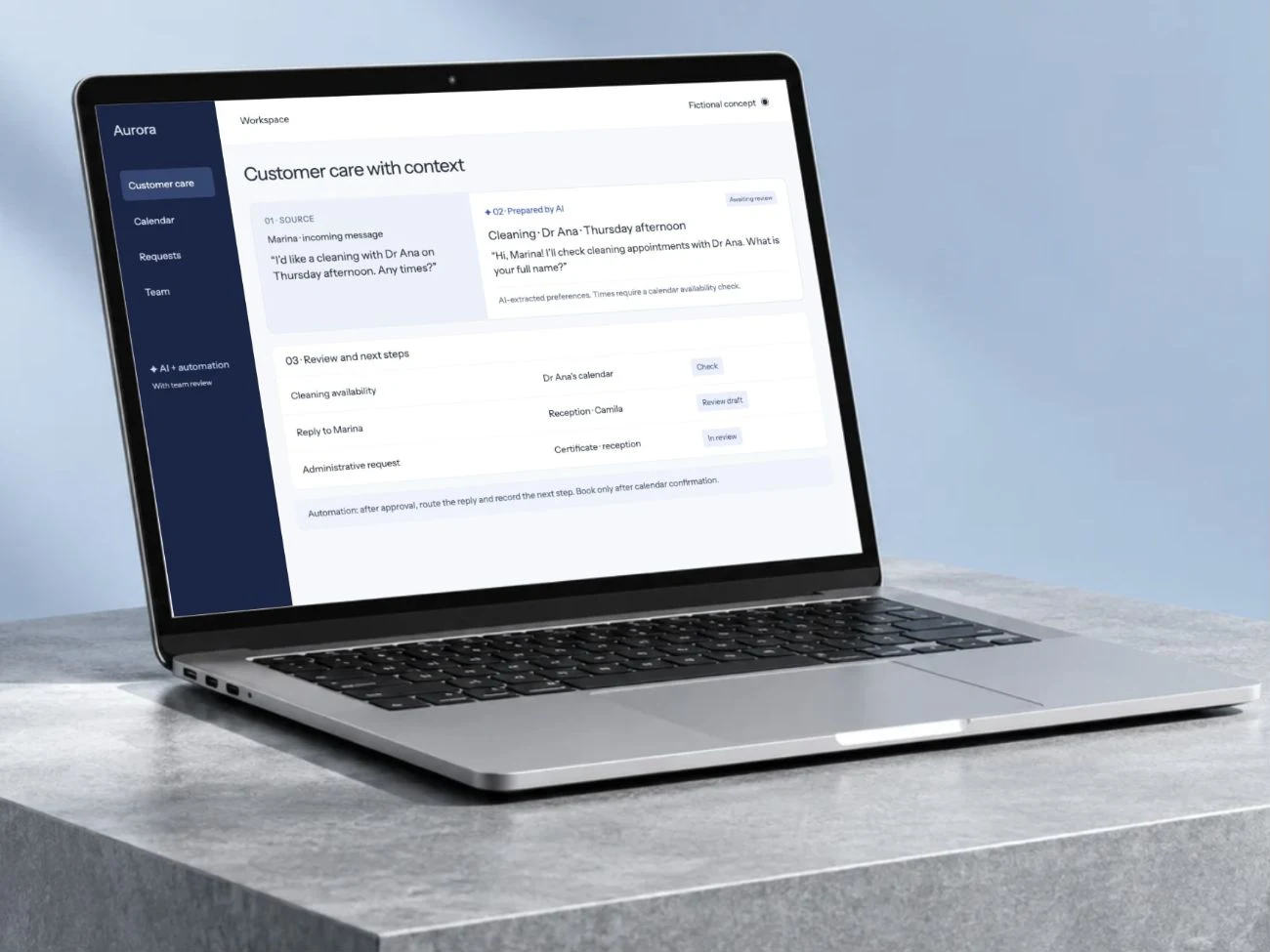
Help visitors find the right information, explain what they need and pass the enquiry to your team. The assistant uses the business information you approve.
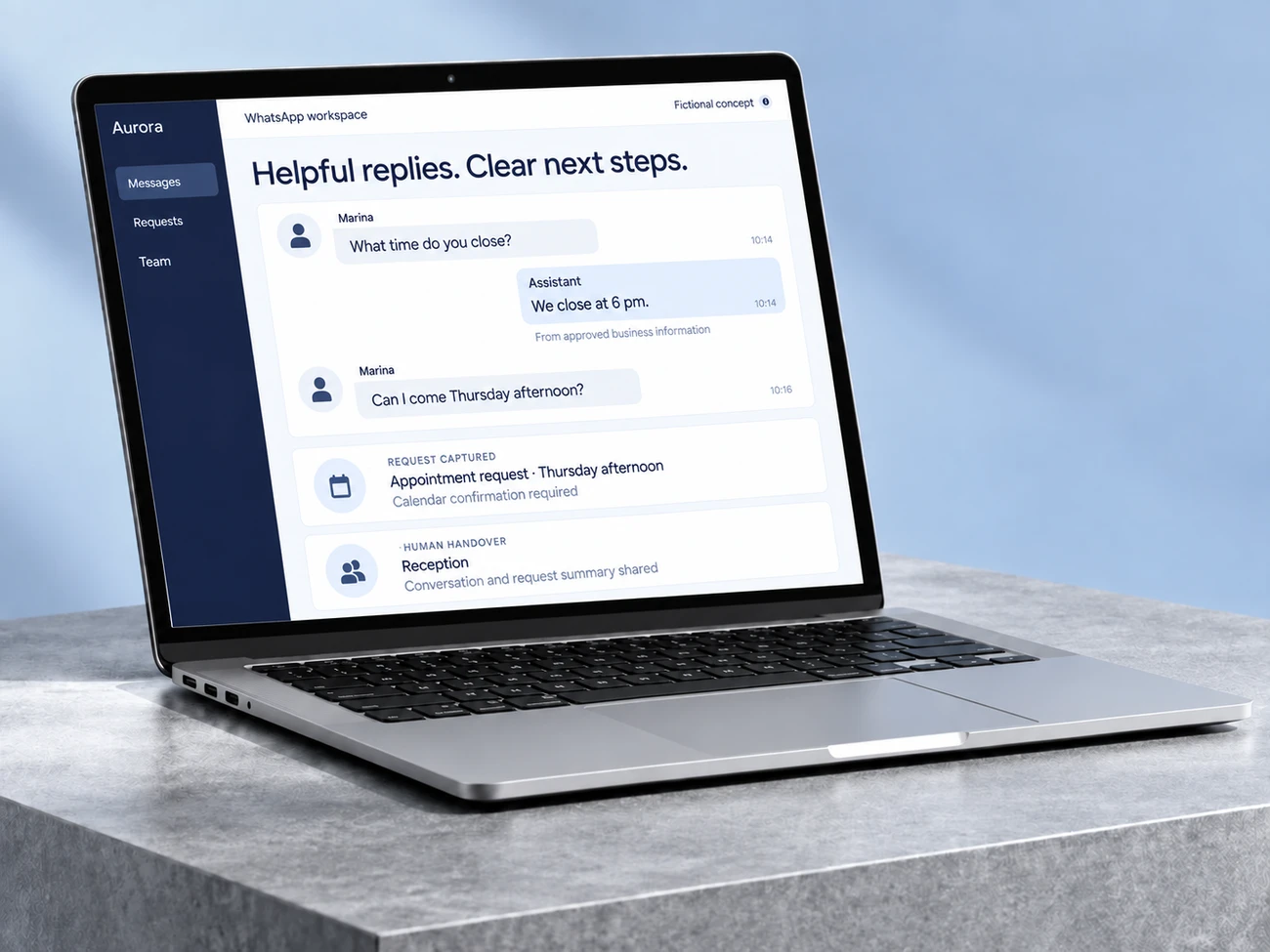
Answer routine WhatsApp enquiries, collect the details that matter and hand conversations to your team with context. Connect the workflow to the tools your business already uses.
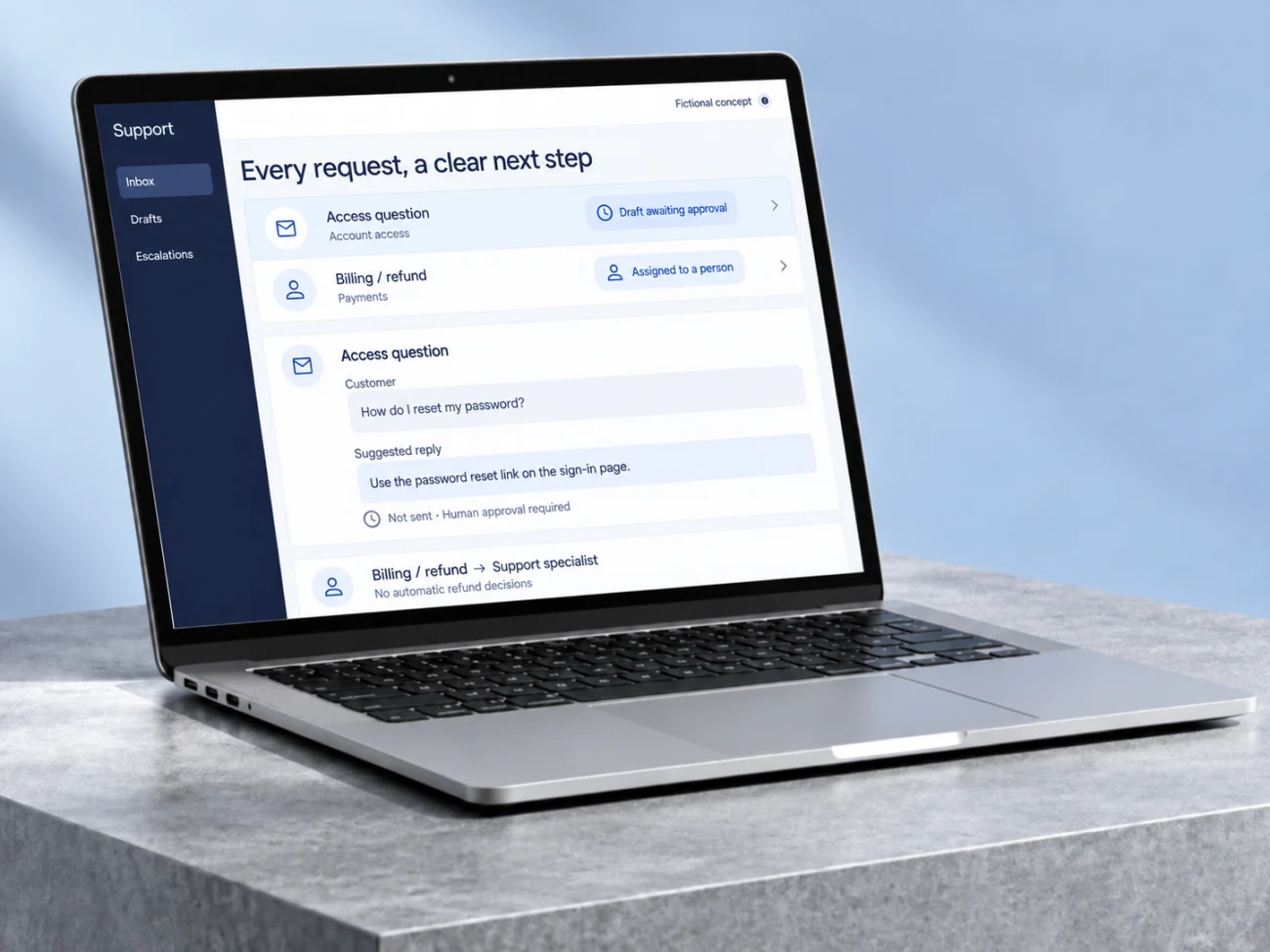
Sort incoming tickets, assemble the relevant context and prepare replies for review. Route sensitive requests directly to the right person.
Choose voice for calls, chat for website enquiries or WhatsApp for an approved messaging workflow.
Support automation sorts incoming tickets and prepares replies for review, inside the team’s existing process.
Map inputs, owners, tools and the result your team needs to receive.
Validate the main path, permissions, exceptions and human handover against agreed examples.
Receive the agreed implementation, operating notes and acceptance checks reviewed together.
Let’s understand where work repeats and design a workflow that helps your team.
Bring an example of the task, the tools you use and what you would like to improve.
Let’s discuss your projectWe discuss the result you need and define the next step.
Leave an email or WhatsApp number and I answer you myself. It is optional and it books nothing.