Answer recurring questions
Explain services, opening hours and next steps without making visitors search through every page.
Help visitors find the right information, explain what they need and pass the enquiry to your team. The assistant uses the business information you approve.
Discuss your projectA 15-minute conversation about your workflow, your tools and where to start.Explore the workflow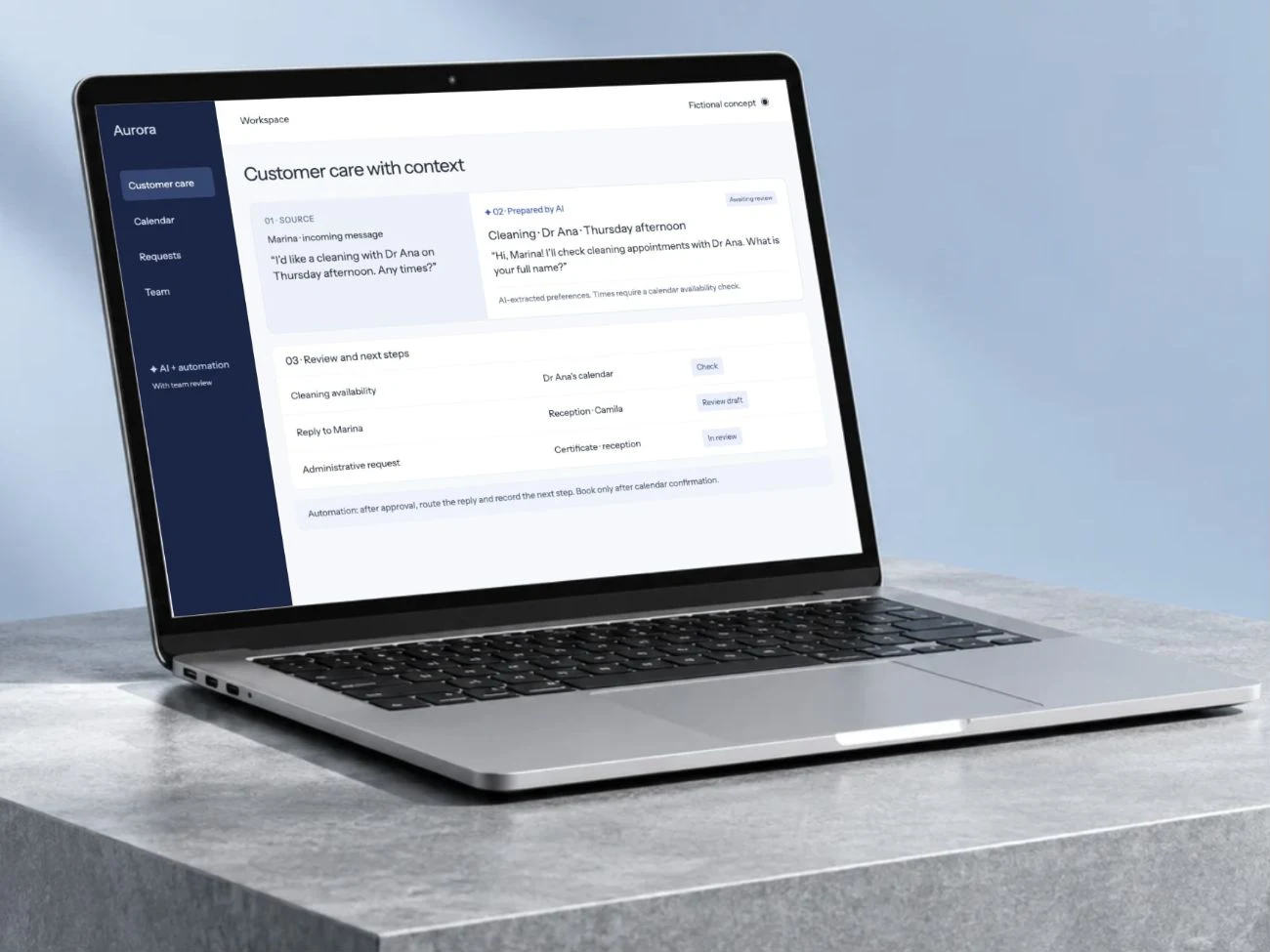
Explain services, opening hours and next steps without making visitors search through every page.
Collect the context staff need to continue the conversation.
Give visitors a handover path when an answer is missing or a request needs judgment.
Up to 70%
Microsoft reports lower human-handled chat volume following its Ask Microsoft deployment, which helps website visitors find product information and support.
Microsoft’s own enterprise deployment. This is not a general chatbot resolution rate or evidence that staff are unnecessary.
Microsoft · Ask Microsoft27 February 2026 · Accessed 2026-09-24A finding from another organization. This is not a Betterlane result or a guarantee for your project.A fictional example to make the workflow tangible. The interface illustrates the process; it is not a live demonstration.
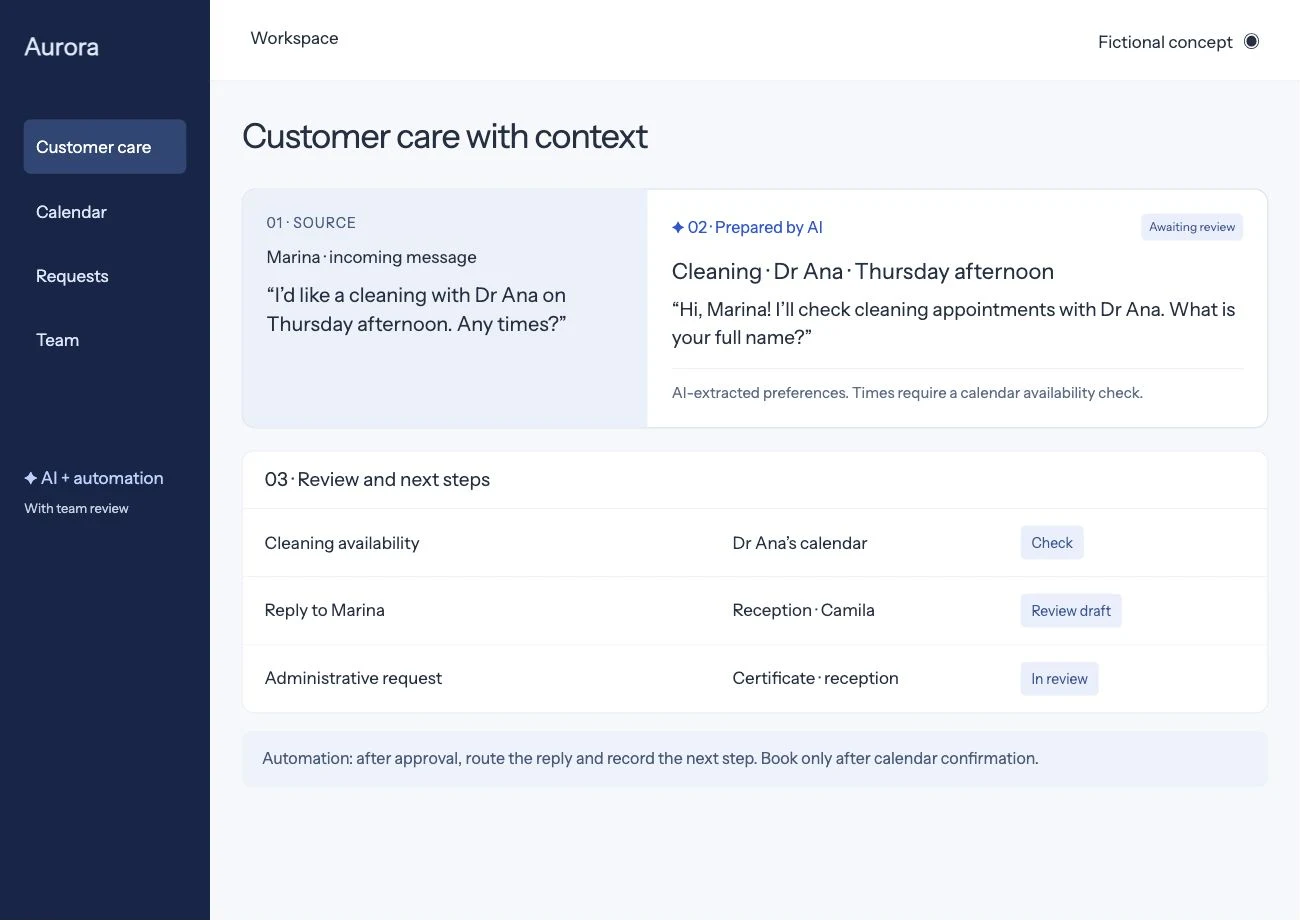
A fictional clinic visitor asks about a service and a preferred appointment time.
It uses approved information, asks for the missing details and records an appointment request.
The team receives the conversation and checks availability before confirming anything.
Access, costs and acceptance criteria are agreed before implementation.
Test known and unknown questions, incomplete details, handover and an unavailable downstream system. Confirm that an appointment request is never represented as a booking without a verified calendar confirmation.
A website chatbot answers visitors on the page from information the business has approved: services, opening hours, prices, how to book. When a question needs a person, or the visitor is ready to book, it collects the details staff need and passes the conversation on with a short summary. It is worth it when the same questions arrive every day, including outside office hours, and not worth it when visitors rarely write.
Let’s understand where work repeats and design a workflow that helps your team.
Bring an example of the task, the tools you use and what you would like to improve.
Let’s discuss your projectWe discuss the result you need and define the next step.
Leave an email or WhatsApp number and I answer you myself. It is optional and it books nothing.